# How to Use blade-icons with Sage
The [blade-icons](https://github.com/blade-ui-kit/blade-icons) package allows you to easily use SVG's in your Blade views.
Besides being able to use your own SVG's, you can also add one of the many third party icon sets, such as:
* [Blade Bootstrap Icons](https://github.com/davidhsianturi/blade-bootstrap-icons)
* [Blade Font Awesome](https://github.com/owenvoke/blade-fontawesome)
* [Blade Heroicons](https://github.com/blade-ui-kit/blade-heroicons)
* [Blade Simple Icons](https://github.com/ublabs/blade-simple-icons)
[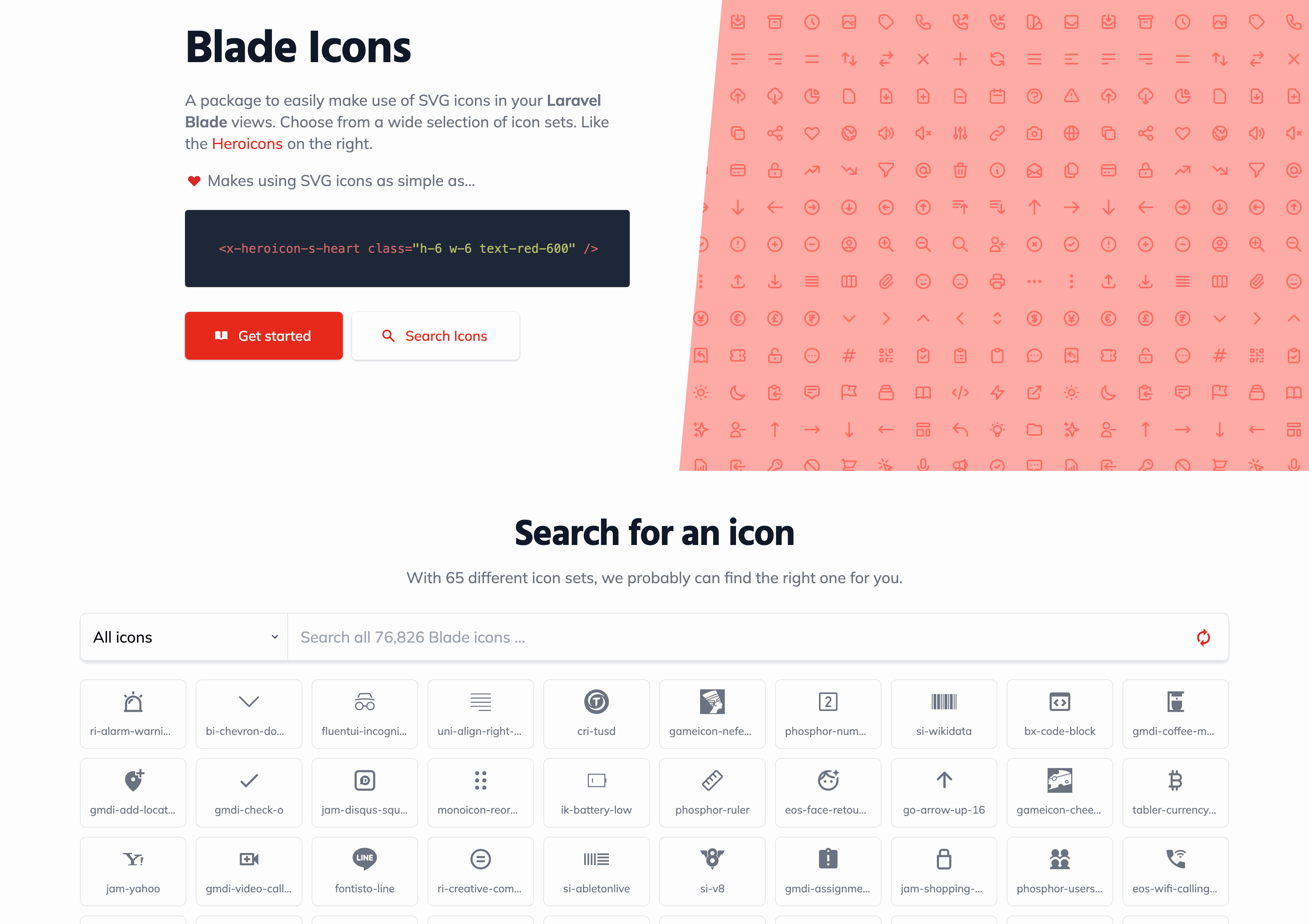](https://blade-ui-kit.com/blade-icons)
## Installation
From the same directory where you've installed Acorn (typically your site root or your Sage theme folder), add `blade-icons` as a Composer dependency:
```shell
$ composer require blade-ui-kit/blade-icons
```
Then publish the configuration file:
```shell
$ wp acorn vendor:publish --tag=blade-icons
```
## Configuration
From the published `config/blade-icons.php` file, we recommend setting the default set to point to your theme directory:
```php
[
'default' => [
'path' => 'web/app/themes/sage/resources/images/icons', # Relative path to the new directory
'prefix' => 'icon',
],
],
];
```
## Adding icons
Add a new directory inside `resources/images/` named `icons/` and place your SVG icons in this directory.
## Using icons in Blade views
From your Blade views you can now use the provided Blade component, or the `@svg` directive:
```blade
@svg('example-icon')
```
## Adding icon sets
`blade-icons` supports a **lot** of different icon sets through packages made through the community. The [Blade icons search](https://blade-ui-kit.com/blade-icons#search) allows you to quickly find a new icon to use in your project.
To add aditional icon sets, require them as Composer dependencies the same as you did for the `blade-icons` package. In this example, we'll add the `blade-heroicons` package:
```shell
$ composer require blade-ui-kit/blade-heroicons
```
Now Heroicons can be referenced in any of the supported methods from inside your Blade views:
```blade
@svg('heroicon-s-menu')
{{ svg('heroicon-s-menu) }}
```
## Caching icons in production
It's recommended to enable icon caching to optimize performance by running `wp acorn icons:cache` during deployment.
If you are using Trellis, modify the `deploy_build_after` hook within your `deploy-hooks/build-after.yml` file:
```yml
- name: Cache Blade UI Icons
command: wp acorn icons:cache
args:
chdir: "{{ deploy_helper.new_release_path }}"
```
## Additional information
The [blade-icons README](https://github.com/blade-ui-kit/blade-icons) covers how to pass attributes, set default classes, and more.